No account to create.
No email, no phone number, no password. Your identity is a key on your device, with a 24-word recovery phrase.
Peer to peer · Private by design
Chat, make plans, record what you do together, and keep the memories. Whispurr connects your devices directly to theirs, with no account to create and no company in the middle.
No account. No ads. No tracking. iPhone, with a Mac companion.
Follow Alice and Bob through one weekend. Everything it leaves behind, the messages, plans, routes and photos, belongs to the two of them and no one else.
Meet
There’s no directory to search and no phone number to hand over. Nobody joins a chat until they say yes.
Alex says yes. Nothing starts until Alex accepts. Then it’s a private chat between two phones.
Talk
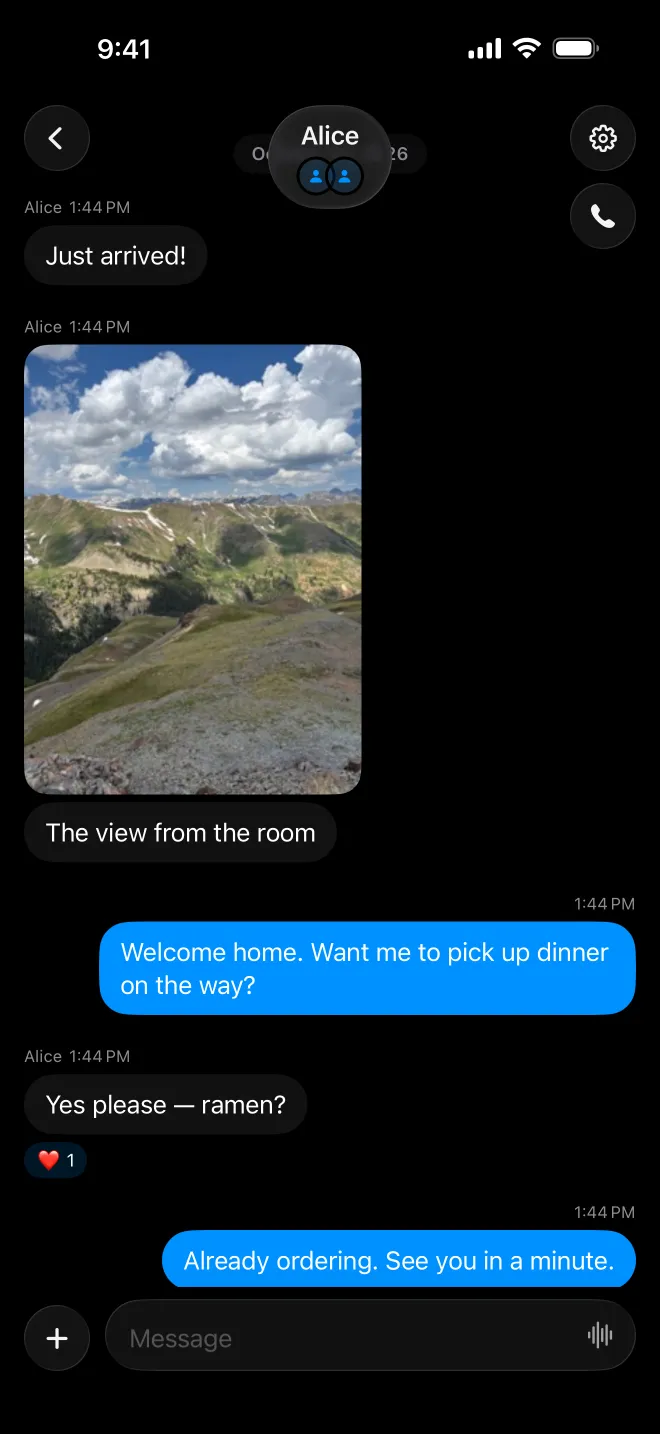
Messages, photos, voice clips and calls, end-to-end encrypted. See who’s around, react to what they share, and pick up the conversation on your iPhone or Mac.
Plan
Every chat has its own calendar. Add to-dos, lists and repeating plans that anyone in the chat can tick off.
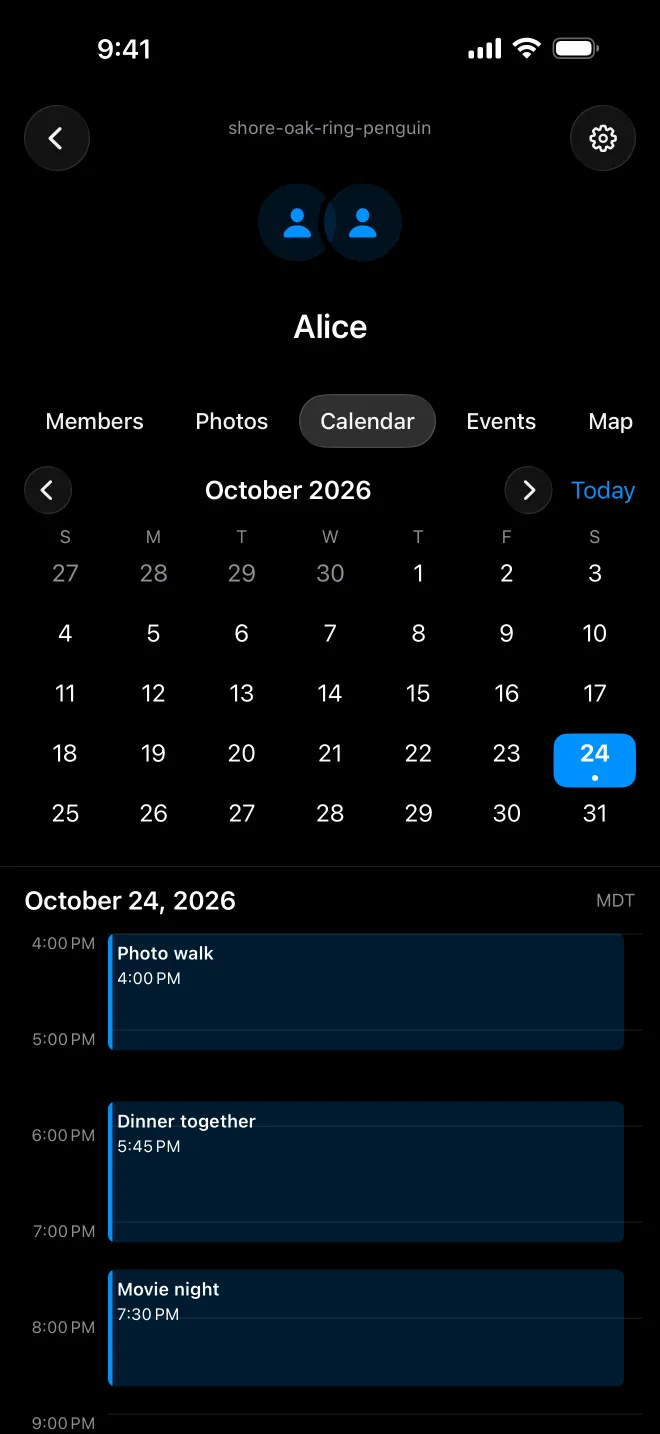
Never miss a turn. When a repeating plan is done, the next one is already on the calendar.
Go
Record a walk, run or ride and save it to the event in your chat. Everyone who came adds their own route, and the chat’s map keeps them together with the photos and places.
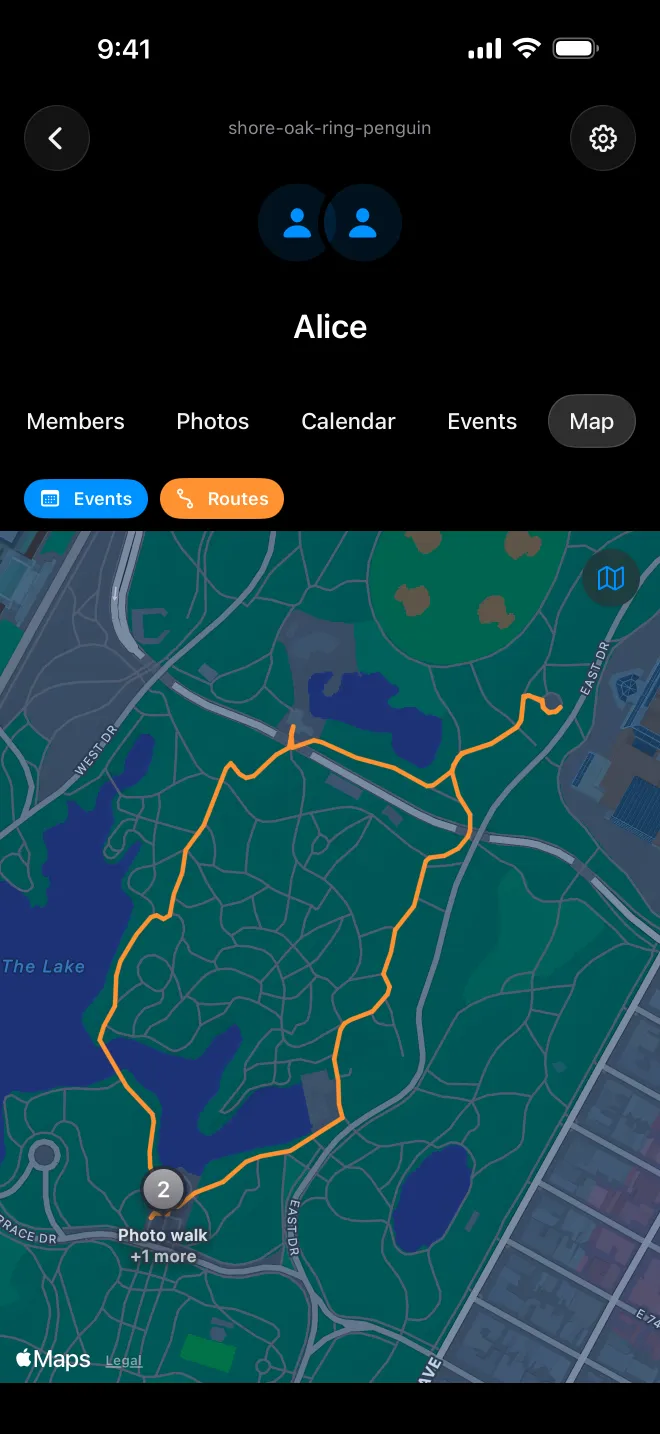
Share it to the chat. Bob’s route joins Alice’s on the chat’s map. The stretch near his home never leaves his phone.
Capture
Shoot photos and videos in one go without leaving the camera. Every shot lands in a strip you can review, so you send the ones you love and drop the rest.
Send the keepers. The shots you kept go to the chat together, as one moment.
Circles
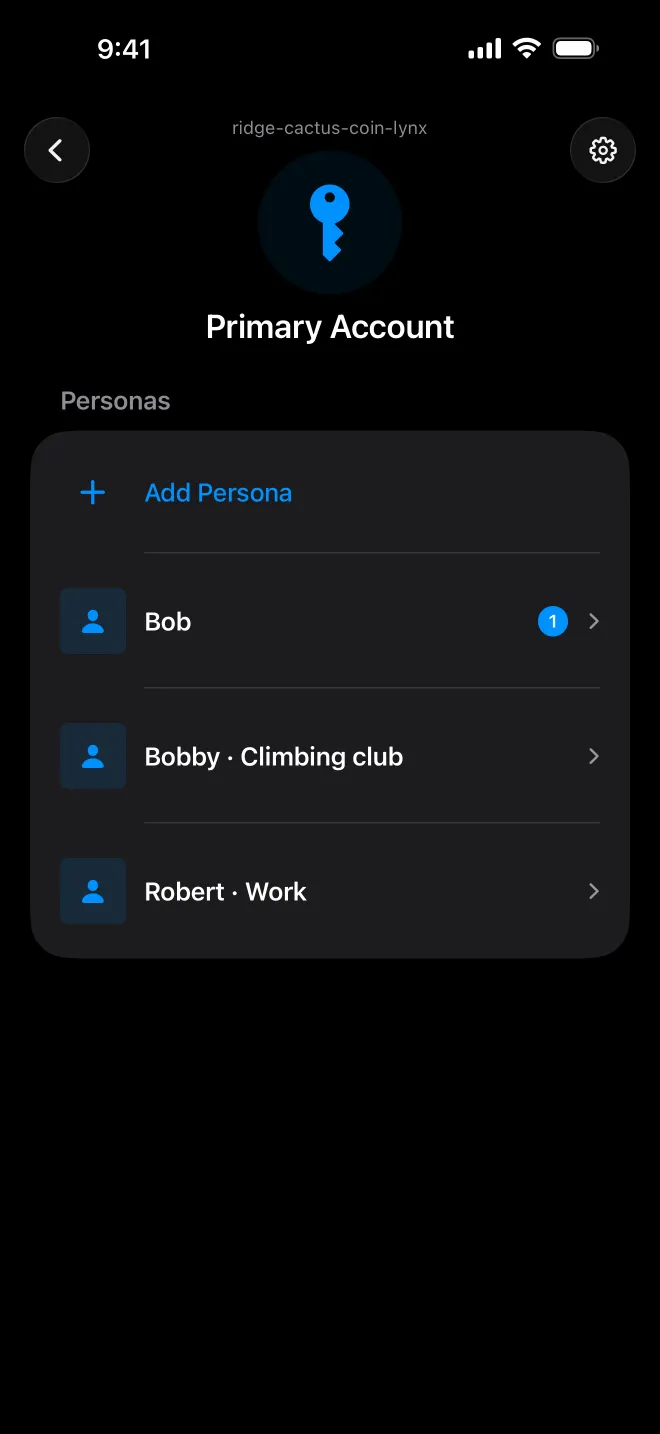
Keep family, friends and work in separate personas, each with its own chats and profile.
Each persona has a Vault for passwords, notes and two-factor codes, locked with Face ID.
Why it’s different
Most apps keep your relationships on their servers, mine them, and rent them back to you. Whispurr keeps them on your devices and the devices of the people you choose. No company holds a readable copy, including us.
No email, no phone number, no password. Your identity is a key on your device, with a 24-word recovery phrase.
Chats sync directly between members’ devices as a mesh, so a message can reach someone through another member. Relays carry encrypted traffic when there’s no direct path, and they can’t read it.
Nearby Bluetooth and device-to-device Wi-Fi connect phones with no internet at all.
Link your Mac by approving it from your phone. Mark a device as a backup, and it keeps an encrypted copy of your account so you can restore it with your recovery phrase.
Through a friend. Jo is out of range, but Sam isn’t. Your update reaches Jo through Sam’s phone, still end-to-end encrypted.
Optional
Sam gets it later. When Sam comes online, the update arrives.
An optional service that holds a chat’s encrypted updates for members who are offline, so messages don’t wait for everyone to be online at once. It can’t read them.
Bring it back. Enter your recovery phrase on a new phone, and your Mac sends your chats back.
Make a Mac at home a backup device. It keeps a full copy of your account, so if you lose your phone, your recovery phrase brings your chats back. Without a backup device, keep a working device.
Share your contact card as a QR code or link, or find them nearby. They accept before any chat starts. More about connecting
Your other linked devices keep everything. With a Mac as a backup device, your recovery phrase restores your account on a new phone. How backups work
Yes, nearby, over Bluetooth and device-to-device Wi-Fi on supported iPhones. Messages sync when a path opens. About transports
No. There’s no Whispurr server holding your chats, and relays and Courier only see encrypted data.
Yes, as a companion: link it from your iPhone. It can also be your backup device. Link a Mac
No. Chats sync directly between devices. Courier is an optional service that delivers to people who are offline and lets notifications arrive while Whispurr is closed. About offline delivery
Only the people in a chat you save a route to, after your privacy zones are trimmed. Location is used only while you record. About privacy zones
Still curious? Read the docs · Help & support · Privacy questions